Is ShakeSnap free?
Yes. No subscriptions, no paywalls, no ads and no account. It's available for iPhone and Android.
Do my photos leave my phone?
ShakeSnap has no server that stores your photos. When you share a snap, it goes from your phone straight to your friend through the messenger you pick. Usage statistics and crash reports are optional and only sent if you say yes. Details in the App Privacy.
What's the difference between “Share as image” and “Send as surprise”?
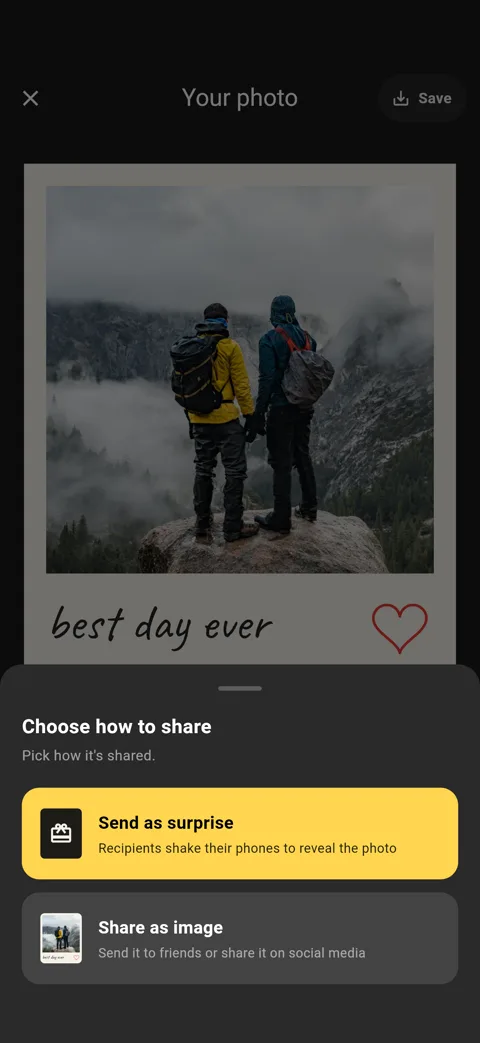
“Share as image” sends the finished photo. Anyone can see it, with or without the app. “Send as surprise” sends the snap undeveloped. Your friend opens it in ShakeSnap and shakes their phone to reveal it, so they need the app.
I got a ShakeSnap file. How do I open it?
Install ShakeSnap (it's free), then go back to the chat and tap the file again. The app opens it, and you shake your phone to develop the photo. The file is called “Surprise-open-with-ShakeSnap”.
Why does a surprise arrive as a file and not as a link?
So that your photo never has to be uploaded to us. The snap travels as a file inside your chat, nowhere else. The downside is that some messengers show only the file, without our explanation. We're working on an optional link version that works everywhere and keeps your photo private. Until then, every share and every kind word about the app helps us get there sooner.
Which messenger works best for surprises?
Signal, and WhatsApp on iPhone, show the file together with our short explanation. WhatsApp on Android sometimes shows only the file. If your friend uses that combination, tell them what it is, or use “Share as image”, which always arrives with its message.
Tip: on Android, Signal shows the full message with the file.
My friend doesn't have ShakeSnap. Can they still see my photo?
Yes, with “Share as image”. For a surprise they need the free app, which is exactly what makes it a surprise.
Can I keep a snap?
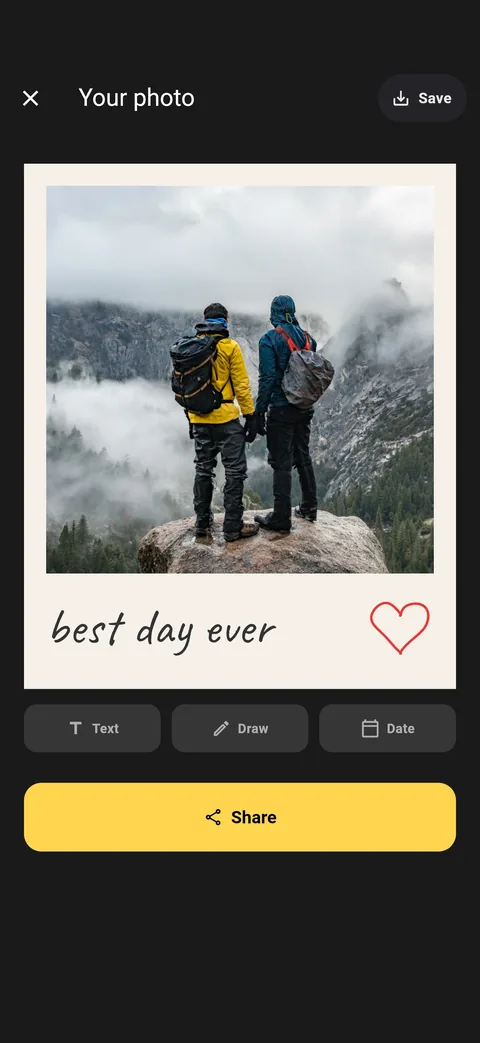
Yes. Tap Save to put it in your photo gallery. ShakeSnap doesn't keep a copy anywhere else.